Description
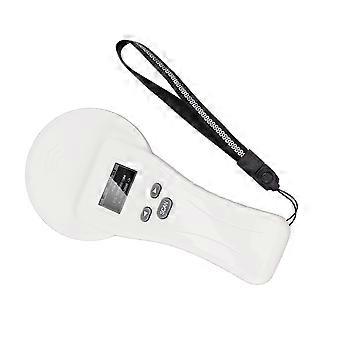
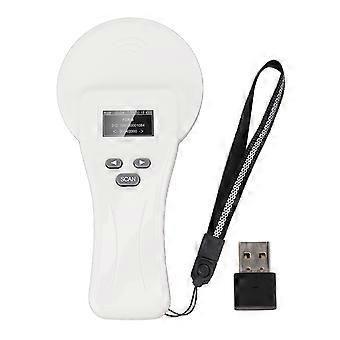
Handheld Pet Microchip Scanner USB Rechargeable 22.5x11x3.2cm OLED Display
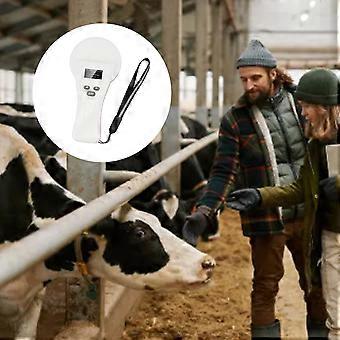
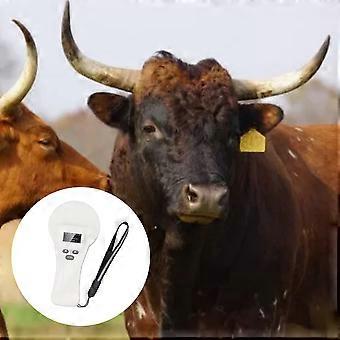
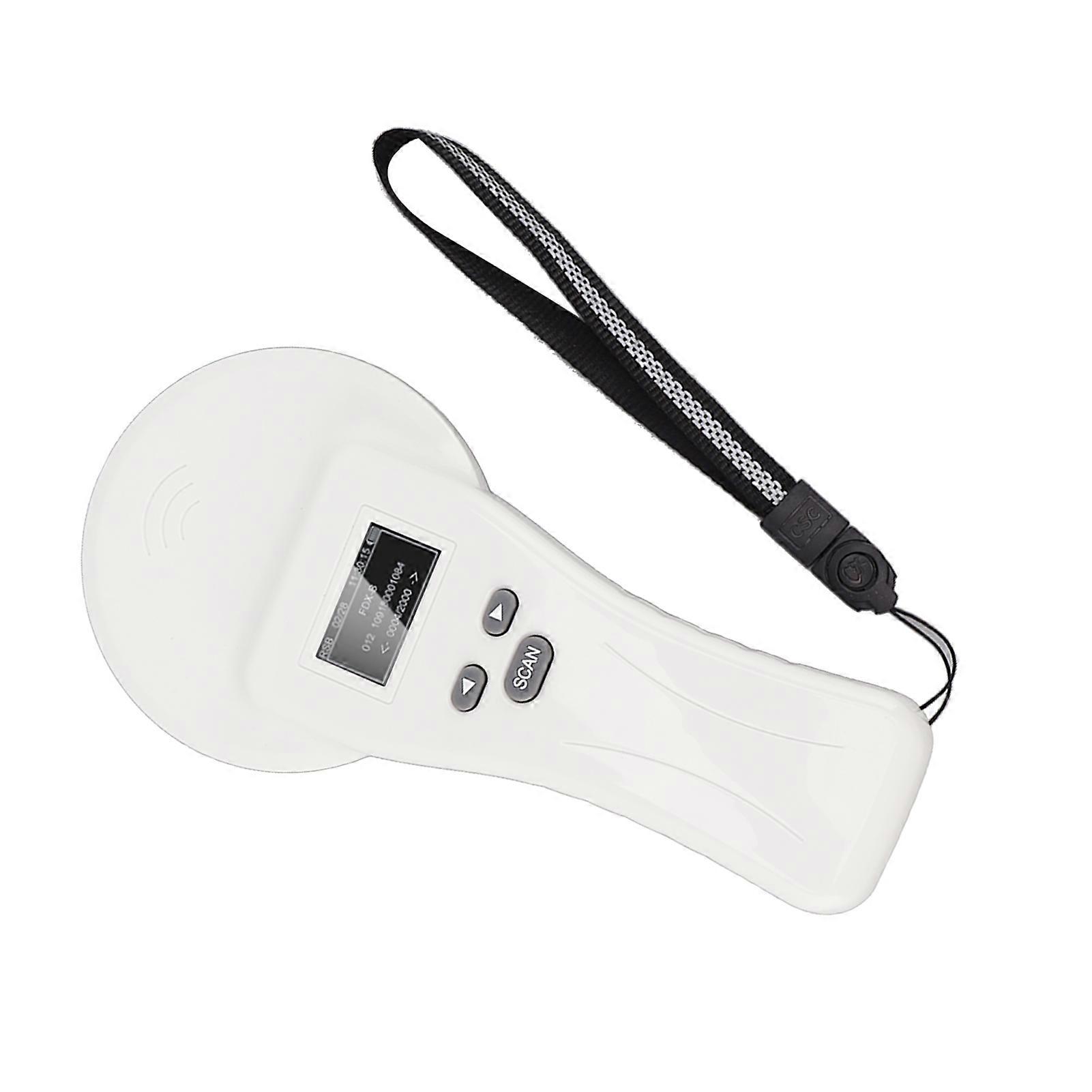
Pet Microchip Scanner Handheld USB Rechargeable Data Storage Animal Tag Scanner Reader with Organic LED Display for Dog Cat Pig Animal Management
Item Type: Pet Microchip Scanner
Material: Plastic
Weight: Approx. 316g/11.1oz
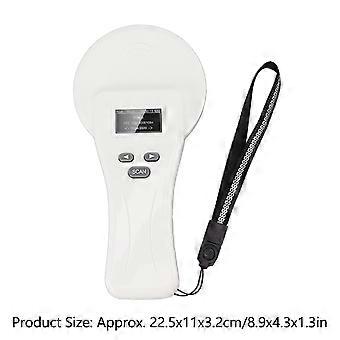
Product Size: Approx. 22.5x11x3.2cm/8.9x4.3x1.3in
Operating Frequency: 134.2KHz 125KHz
Label Format: FDX B, FDX A, HDX, EMID (ISO11784/85)
Reading Distance
FDX B: 2 x 12mm glass tube tags > 6cm
30mm animal ear tag>15cm
FDX A: 2 x 12mm glass tube tags>5cm
HDX: 30mm animal ear tag >15cm
EMID: 85mmx55mm card>10cm
Standard: ISO11784/85
Read Time: less than 100ms
Signal Indication: 128x64 high brightness organic LED, buzzer
Battery: 3.7 18650 lithium batteries x 2 (shipped without battery)
Storage Capacity: 20000 messages (label code and time)
Battery Life: more than 20000 reads on a full charge
Communicating Interface: USB, Bluetooth
Language: Chinese, English, Japanese, Russian
Working Temperature: -10℃ to 50℃
Storage Temperature: -30℃ to 70℃
I. System Setting
Long press the "SCAN" button in the power on state, the reader enters the setting mode, and press the left and right buttons ('<' and '>' keys) to move the "arrow" cursor to select different functions for setting.
1:Return to the main interface
Move the "arrow" cursor to the "Return to Main Interface" menu and click the "SCAN" key to return to the main interface of power on scanning.
2:Language Setting
The factory default language is Chinese. If you need to change the language, you need to move the "arrow" cursor to the "Language Setting" menu, and then press the "SCAN" key to enter the language setting menu. Press the "SCAN" button to enter the language setting menu and select it with the "arrow" cursor.
(Note: The device comes with Chinese, English, Russian and Japanese languages.)
3:Storage Settings
Move the "arrow" cursor to "Storage Settings" menu, press "SCAN" key to select between "Y" and "N". Press the "SCAN" key to switch between "Y" and "N".
(Note: If the storage mode is set to "Y", the reader will automatically store the tag type, ID number and operation time after reading the tag information; if the storage mode is set to "N", the information will not be stored.)
4:Re read setting
Move the "arrow" cursor to "Reread Setting" menu, press "SCAN" key to select between "Y" and "N". Press "SCAN" to switch between "Y" and "N".
(Note: the re read mode is set to "Y" mode, the handheld will be read to the same or different tag information is saved to the memory; set to "N" mode, the read tag information and the memory contains the same tag letter, then not store the current data and (The buzzer will sound two times.)
5:Data marking
Move the "arrow" cursor to the "Data Tag" menu, click "SCAN" to enter the data tag menu for tagging, the data read by the factory equipment is not tagged by default. (Note: This function is for data marking.
(Note: This function is a data marking function, you can set 9 groups of different flags for marking the type of tags that will be read.)
6:Data comparison
Move the "arrow" cursor to the "Data Comparison" menu, press the "SCAN" key to move between "Y" and "N". Press "SCAN" key to switch between "Y" and "N", after setting "Y" mode, the device will enable the comparison function, the read data will be imported into the handheld need to compare the data for comparison, there is the same label information, the buzzer will ring three times prompt.
7:Buzzer setting
Move the "arrow" cursor to the "Buzzer" menu, press "SCAN" key to set the buzzer between "Y" and "N". Press "SCAN" to switch between "Y" and "N".
(Note: "Y" means the buzzer is turned on in audible mode, and "N" means the buzzer is turned off in silent mode.)
8:Delete card reading data
Move the "arrow" cursor to the "Delete Data" menu and press "SCAN" three times to delete all the data in the memory.
(Note: After deleting the data, the data can not be recovered, so please operate with caution.)
9:Version number
Move the "arrow" cursor to the "Version No." menu, press "SCAN", you can query the factory version information and URL of the device.
10:Read card selection
Move the "arrow" cursor to the "Read Card Selection" menu, click the "SCAN" key to enter the read card mode selection.
(Note: You can select the mode you want to read through the cursor, this function supports single card reading and continuous card reading switching, at the same time, there is a time delay shutdown function 2, 3, 5, 10, 20 minutes to choose.
11:Bluetooth switch setting
Move the "arrow" cursor to "Bluetooth" menu, press "SCAN" key to select between "Y" and "N". Press "SCAN" to switch between "Y" and "N", set to "Y" mode, the Bluetooth function of the handheld is on, set to "N" mode, the Bluetooth function of the handheld is off. You can switch between HID analog keyboard and serial communicating SPP modes: In HID mode, the device name under scanning of cell phone and other terminal devices is "HID 380". In SPP mode, the name of the d
-
Fruugo ID:
410183625-868526058
-
EAN:
9351332046275